
School campus, 1.1 km
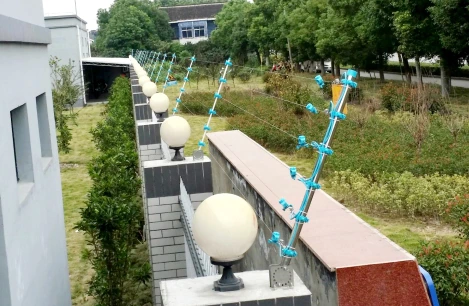
A 1.1 km secondary school with a public-facing front wall, a quieter rear boundary and a sports field. The reference design uses 6 tension zones, 4 infrared barrier pairs at the service gate and field edges, a two-week installation and a target of under one false alarm per zone per month.
- Perimeter
- 1.1 km wall + sports field edge
- Layers
- Tension fence + infrared
- Control
- K7 keyboard, security office
Site condition and constraints
| Perimeter | 1.1 km wall + sports field edge |
|---|---|
| Layers | Tension fence + infrared |
| Control | K7 keyboard, security office |
The school has a busy public frontage, a rear boundary shared with a residential block and a sports field used after hours. Students take shortcuts over the rear fence, and the service gate is opened for deliveries.
The safeguarding policy discourages visible high-voltage hardware. The security office is staffed during school hours but not at night.
Layers and zones
Rear boundary — tension fence
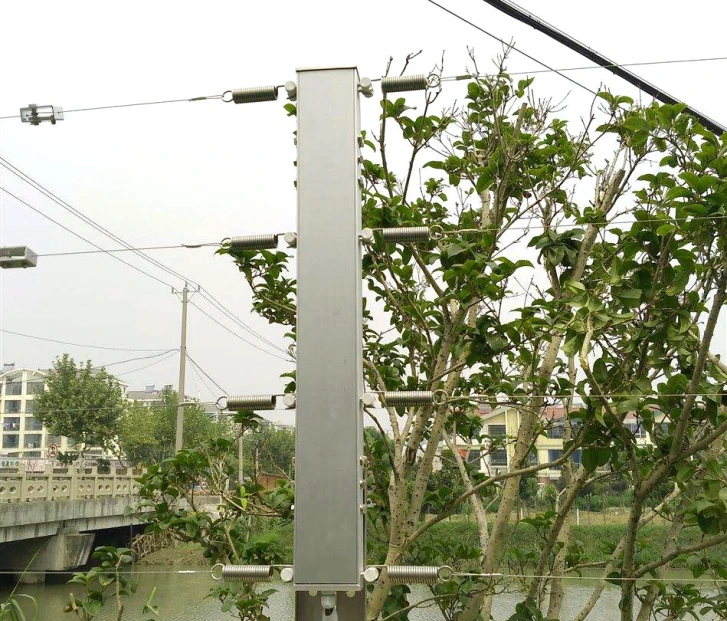
Four-wire tension fence on the rear wall, with the host inside the campus. The fence carries no voltage, which simplified the safeguarding review and the maintenance procedure.
Service gate and field — infrared
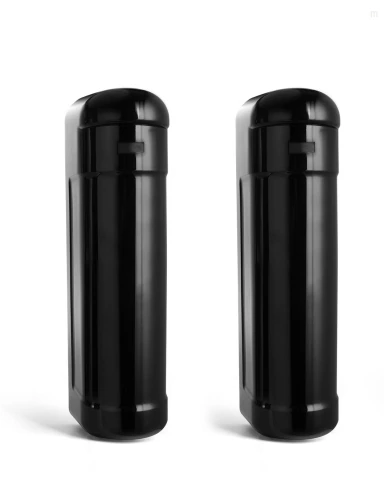
Two-beam infrared barriers cover the service gate and the dark edge of the sports field. They are mounted above student height and aimed away from public footpaths.
Control — security office
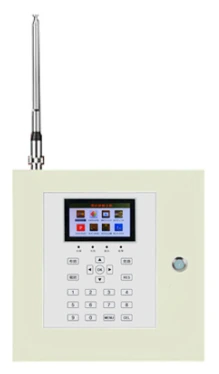
A K7 keyboard and a printed zone map in the security office. The estate manager receives a weekly event summary and reviews repeated after-hours alarms.
What the configuration achieves
- The rear boundary is monitored without voltage on the fence, meeting the school’s safeguarding preference.
- Service-gate deliveries have a documented bypass procedure, so the gate can be used without disabling a sensor.
- The security office sees a simple map with named zones, not a wall of unlabeled relays.
What to watch during installation
- Set zone boundaries around student movement; a legitimate shortcut should not be a daily alarm.
- Mount infrared above student height and away from low sun.
- Record every bypass with a name and time; an unlogged bypass is a disabled sensor.
Systems in this configuration
Tension fence
Fence detection · S7W / S9 / X800 / X900
Detects climbing, cutting and slackening without voltage on the fence.
Infrared barrier
Beam detection · 2 / 3 / 4-beam active infrared
The economical beam layer for short and medium spans.
Electric fence alarm & control
Electric fence alarm · K7 / K9 / K10 hosts · touch terminal · management software
Arm, map and verify every electric fence zone from one interface.
Adapt this pattern to your site
Tell us where it differs — length, wall type, soil, power or response model — and we will adjust the layers.