
Electric fence alarm & control
Arm, map and verify every electric fence zone from one interface.
- Series / models
- K7 / K9 / K10 hosts · touch terminal · management software
- Detection
- Collects all sensor layers
- Typical range
- 1–128 zone addresses
- Control
- RS485 / network / GPRS
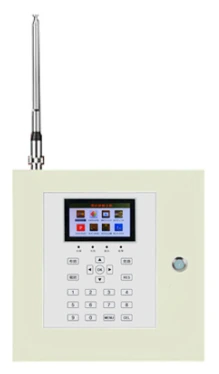
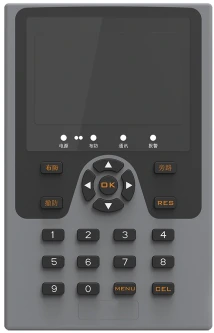

Electric fence alarm & control
| Models | K7 / K9 / K10 |
|---|---|
| Screen | 4.3 in |
| Zones | 1–128 |
| Linkage | Relay / network |
Arm, map and verify every electric fence zone from one interface.
Mixed sensor inputs
Pulse hosts, tension hosts, fibre collectors, beam barriers and Ex detectors all report into the same zone map, so the operator sees one perimeter rather than five systems.
Zone map
Alarms are shown against the site plan with zone numbers, so the guard is sent to a location rather than to “the fence”.
Scheduled arm/disarm
Arm and disarm individual zones on a schedule, with manual override and an event log that records who changed what.
Video and relay linkage
Dry contacts and network events can trigger cameras, sirens, LED maps and alarm printers, turning a sensor event into a response.
Multi-level users
Operator, supervisor and administrator roles separate daily arm/disarm from configuration and audit.
From principle to site
Values are typical manufacturer data. Site conditions, power supply and configuration can change the final specification.
The control layer is where a perimeter becomes manageable
A site can have excellent sensors and still fail at 02:00 because the alarm arrives as an unlabeled relay click. The control layer gives every zone an address, a name and a place on the map. It also records the event, so the next morning’s review can tell whether the response was correct.
Use the K7 as a local keyboard at a gatehouse, the K9/K10 as the site host, and the touch terminal or software where a supervisor needs a map. Keep the sensor bus and the management network on separate VLANs where possible, and document the IP plan in the handover file.
Commissioning the zone map
Walk the perimeter with a printed plan and trigger each zone deliberately. Confirm that the map highlights the same segment the guard sees, and that the camera preset matches. Rename zones with the site’s own vocabulary (“north wall — gate 2”), not “zone 17”; the guard will use the name under pressure.
Test the response path end to end: sensor → host → platform → siren/camera → guard. A system that alarms correctly but does not reach the person on duty is not commissioned. Record the test time for each zone in the handover document.
Technical specifications
Values are typical manufacturer data. Site conditions, power supply and configuration can change the final specification.
| K7 | 4.3 in screen; 140 × 220 × 35 mm; DC12 V 2 A; ≤5 W; RS485 + network |
|---|---|
| K9 | 4.3 in screen; 270 × 270 × 80 mm; AC220 V; ≤5 W; RS485 + network |
| K10 | 4.3 in screen; 270 × 270 × 80 mm; AC220 V; ≤5 W; RS485 + network + GPRS |
| K10 onboard ports | 8 wired inputs; 12 V output; siren; relay; RS485; network; GPRS module |
| Zone capacity | 1–128 addresses on the bus |
| Quick operations | Arm, disarm, bypass, reset — one-key |
| Alarm output | Dry NO/NC; DC12 V siren |
| Touch terminal | Touchscreen management terminal, Wi-Fi or wired network |
| Software | Windows C/S management platform with map, log, scheduled arm/disarm |
Where this system is usually specified
Electric fence for warehouses & factories
Long perimeters, vehicle yards and the places a fence quietly stops working.
View detailsElectric fence for homes & villas
A perimeter that a resident can live beside and a guard can actually reach.
View detailsPower & water utilities
Unattended sites where the alarm must be true the first time.
View detailsElectric fence for prisons & correctional facilities
Layers that assume the first one will be tested.
View detailsAirports & borders
Kilometres of boundary, one map, and a response that can find the point.
View detailsBuyer questions
Can the platform manage sensors from different brands?
Only where the sensor exposes a compatible protocol or dry contacts. The platform is built around the LumenEdge sensor families; third-party devices can be integrated through relay inputs or a documented protocol, but each integration must be tested rather than assumed.
What happens if the management PC fails?
The K-series host continues to arm and alarm locally, and the sirens and relays keep working. The map and event log are unavailable until the PC is restored. For critical sites, keep a spare host or a redundant management PC.
How many zones can one operator handle?
The bus supports 1–128 addresses, but the practical limit is the response model. If one guard cannot reach more than a few zones in the required time, split the site into response areas and staff each area, rather than adding zones to a single console.
Does the software require a server?
The management software is a Windows C/S application and can run on a site PC for a single site. Multi-site or remote access needs a server and network design; confirm the topology before purchase.
Systems that work alongside it
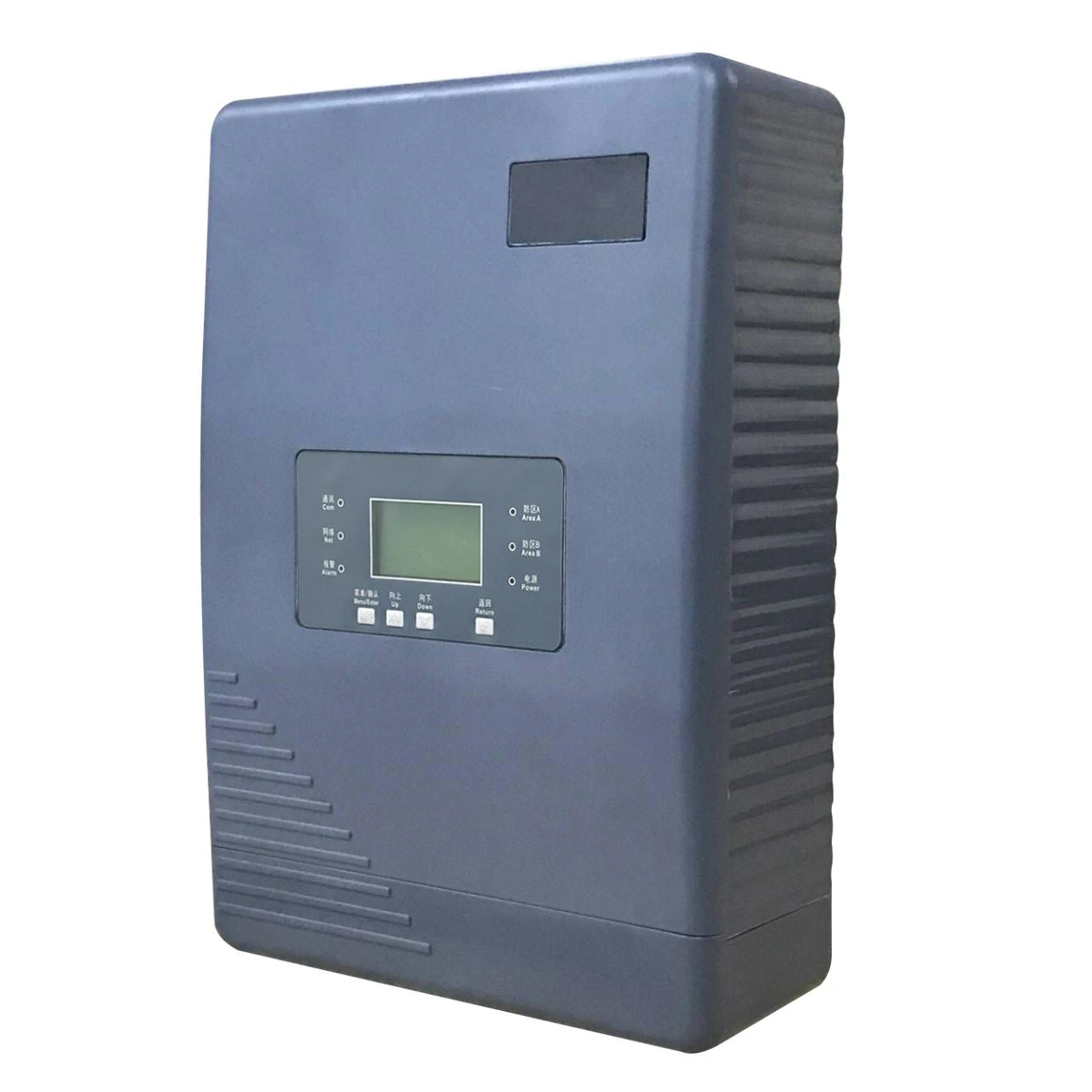
Electric fence energizer system
Fence detection · X3 / X5 / X6 series
5,000–10,000 V bi-polar pulse, one pulse per second, ≤2.5 J.
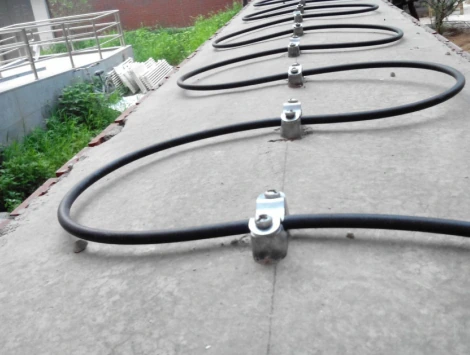
Vibration fibre
Covert detection · 1/2-zone collector · 4/8/16-channel chassis · locating unit
A sensing cable that hears climbing, cutting and digging along the whole run.
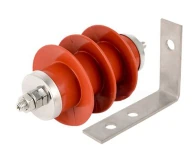
Electric fence wire & accessories
Electric fence accessories · Posts, insulators, alloy wire, tensioners, grounding
Electric fence wire, insulators and tensioners — the parts that decide year five.
Specify this system for your perimeter
Send the perimeter length, fence or wall type and the response requirement. We will return a zone plan and a configuration.